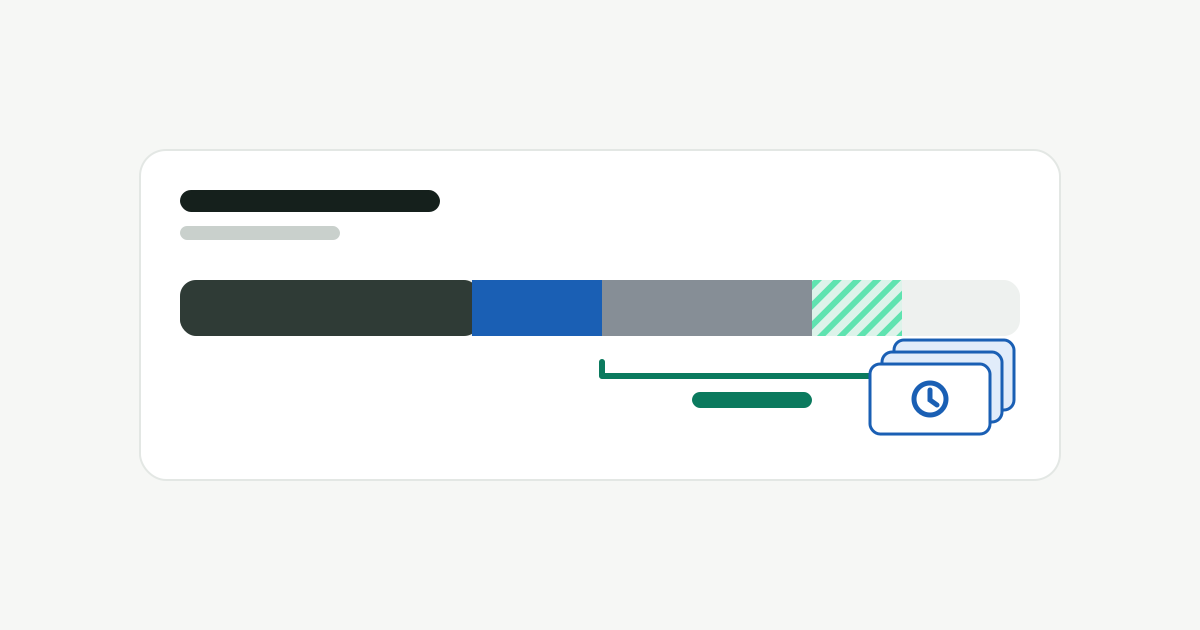
What is System Data on a Mac?
Why the grey System Data slice gets so big, what purgeable space and APFS snapshots really are, and which parts you can safely get back.
Where your Mac's space goes, what's safe to delete, and the commands to do it yourself. Furl does the same thing in a few clicks.
Why the grey System Data slice gets so big, what purgeable space and APFS snapshots really are, and which parts you can safely get back.
Package manager caches, forgotten node_modules folders, Docker build cache and local AI models: how to see how big they are and clear them safely.
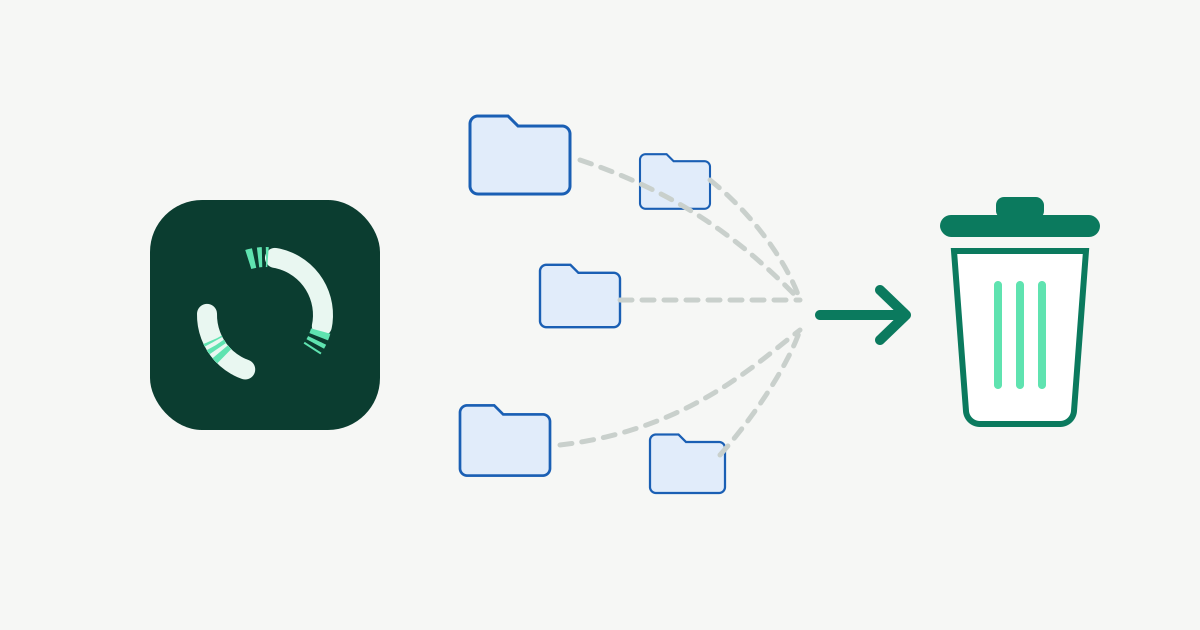
Dragging an app to the Trash leaves its caches, containers, preferences and logs behind. Where apps keep their files, and how to remove them all safely.
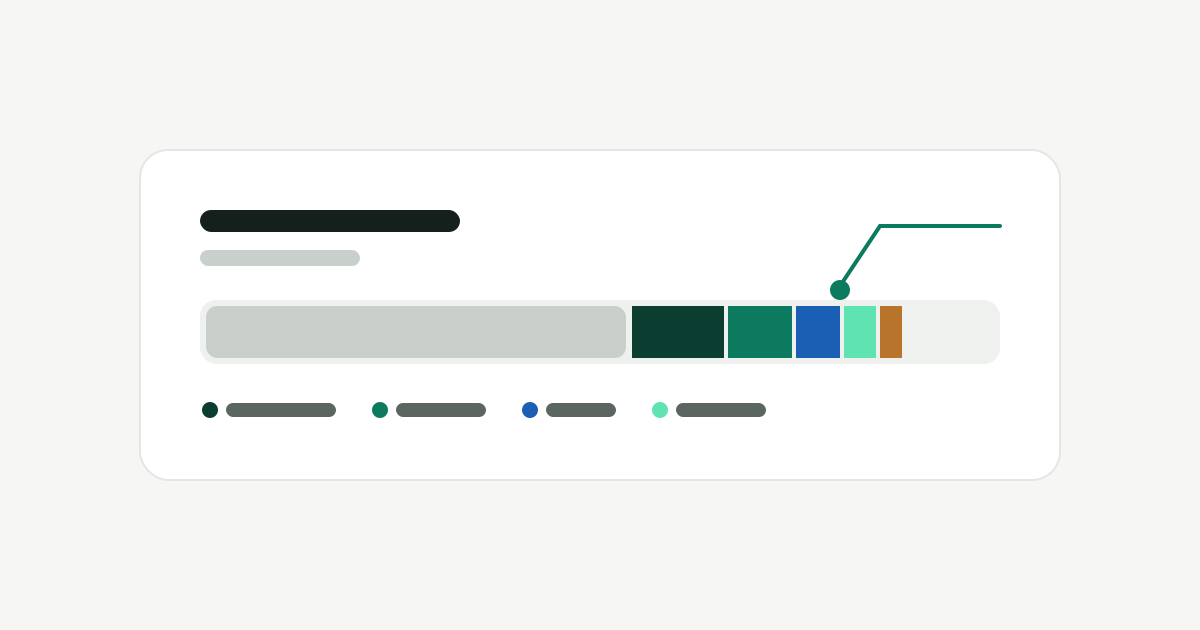
What the coloured bar in System Settings means, why “System Data” gets so big, and how to find what is really filling your disk.
DerivedData, simulators, device support files and archives: which ones rebuild themselves, which ones you should keep, and the commands to clean them.
Docker images, volumes and build cache, plus old Xcode simulators and runtimes, can take 50 GB or more. The commands to see and clear them, and what can't be undone.
Claude Code, Codex, Cursor, Gemini CLI and Copilot start dev servers and watchers that keep running after the session ends. How to find them and stop them.
Forgotten dev servers, watchers and idle AI-agent sessions quietly hold gigabytes of memory. How to see what they cost, and how to clear them without breaking anything.
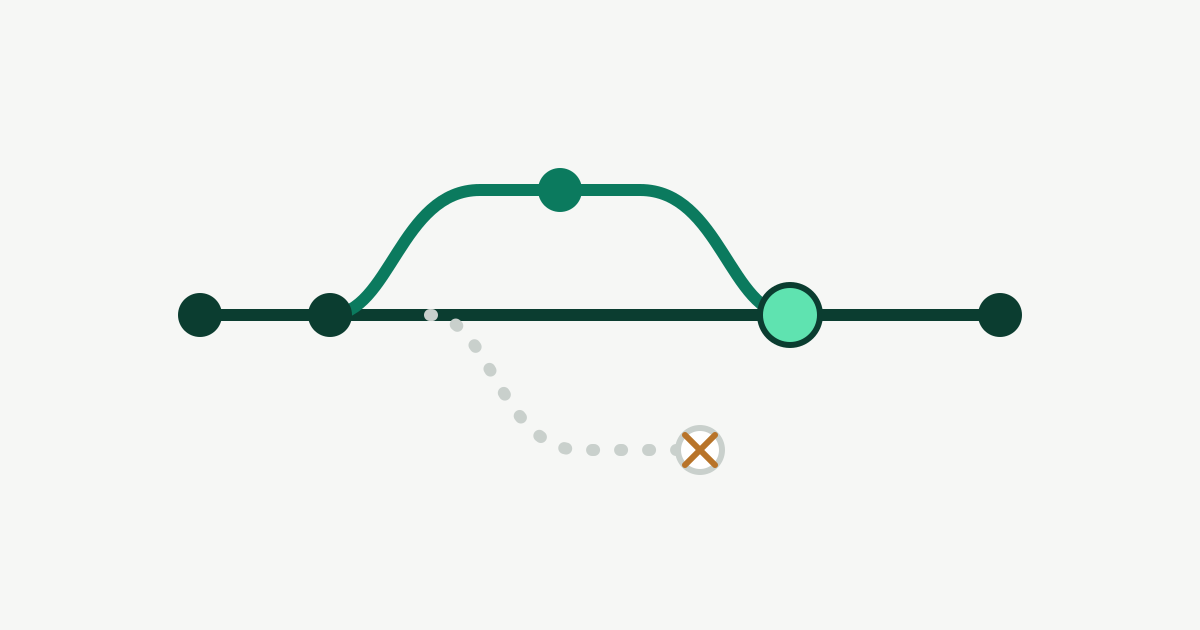
Agents and parallel branches leave worktrees behind, each with its own build output and dependencies. How to find the merged ones and remove them without losing work.
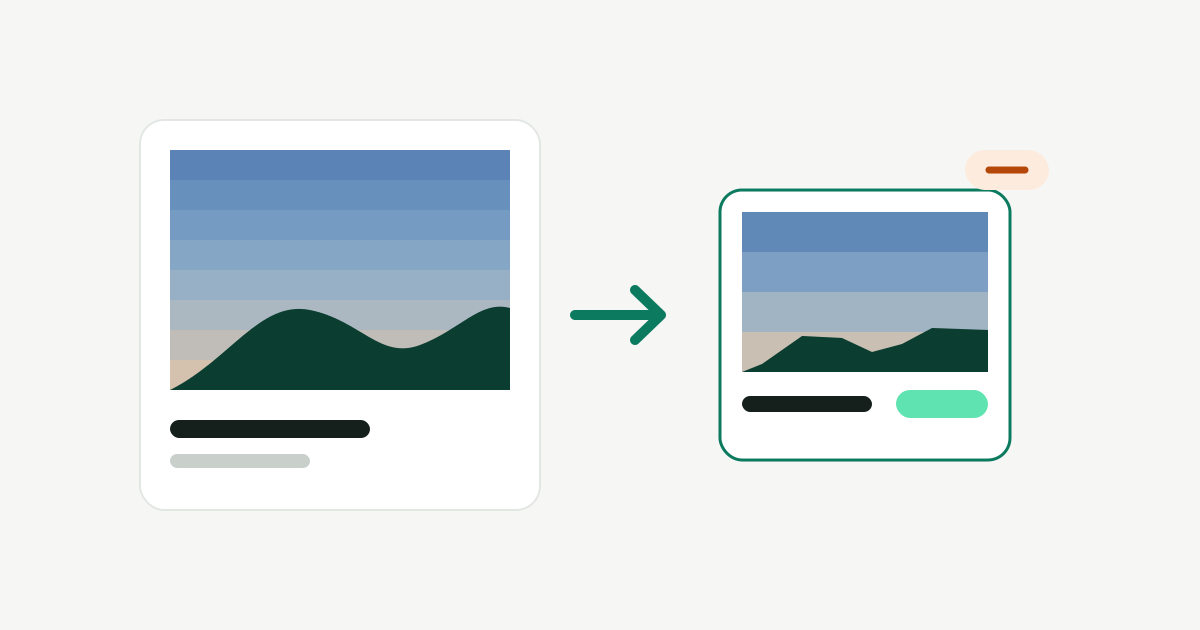
A practical guide to Furl's Shrink: when lossy compression is worth it, which settings to pick, how to read the preview, what it skips and how to undo.
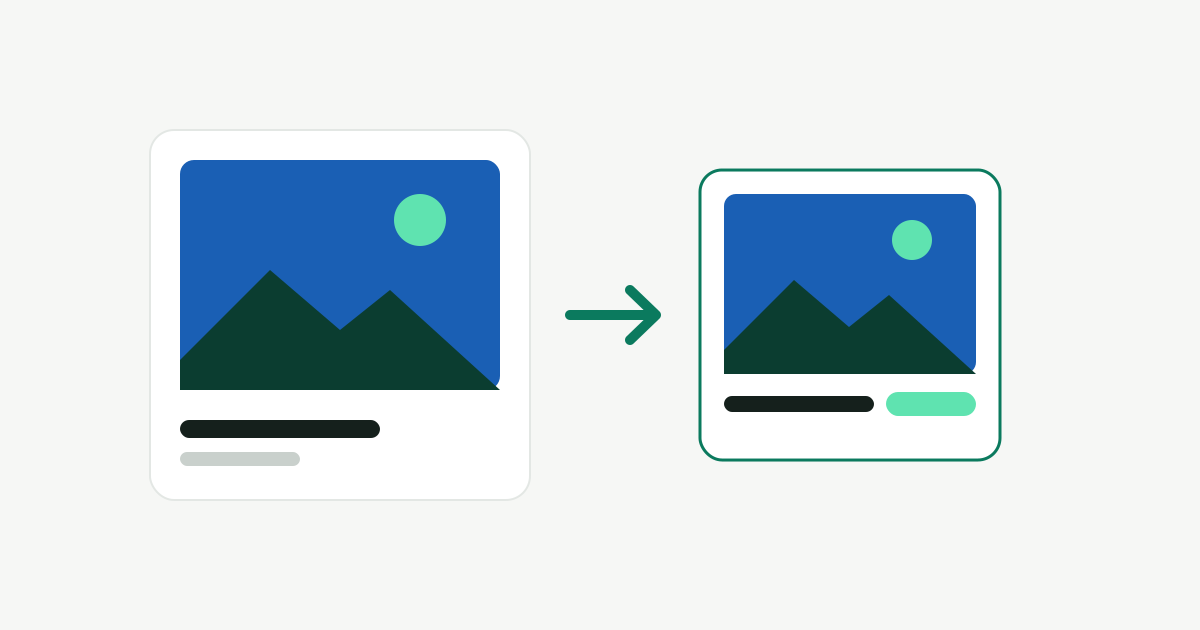
Lossless compression makes files smaller with nothing lost. Lossy compression makes them much smaller by throwing detail away. How Furl's Compress and Shrink do each, and what lossy can cost you.