Stop dev servers your AI agents left running
Claude Code, Codex, Cursor, Gemini CLI and Copilot start dev servers and watchers that keep running after the session ends. How to find them and stop them.
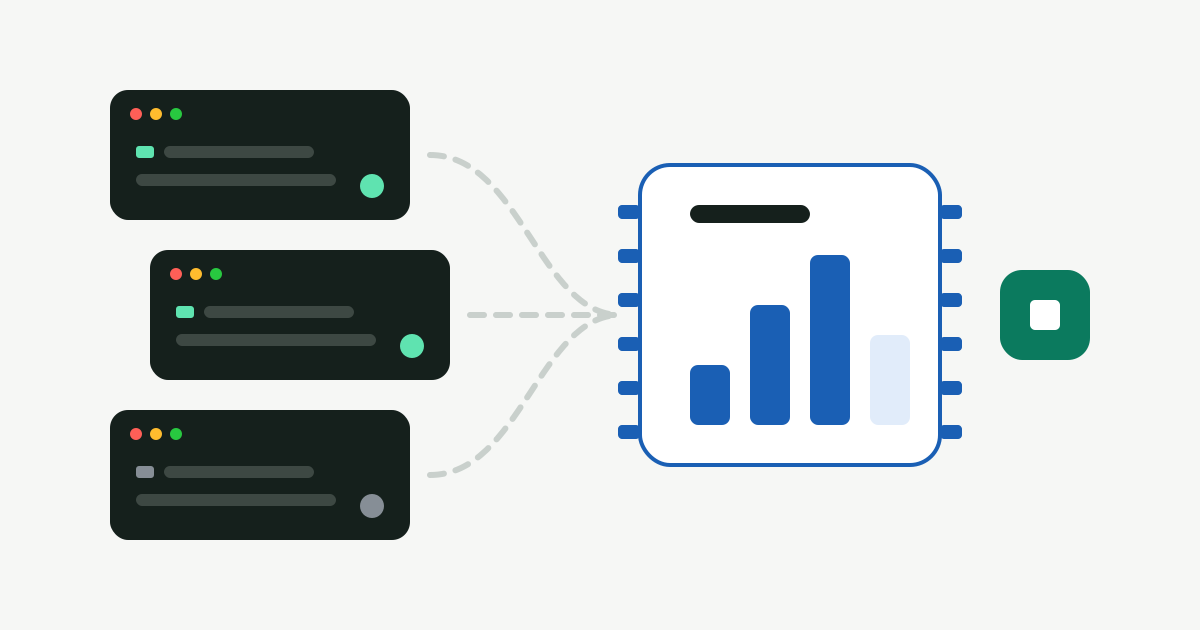
Coding agents start things: dev servers, file watchers, test runners, simulators. When the session ends, or you close the terminal tab, those processes often keep running. They hold ports, use memory and wake the CPU, sometimes for days.
Find what’s listening on a port
lsof -nP -iTCP -sTCP:LISTENThis shows every process listening for connections, with its PID and port. Ports like 3000, 5173, 8000 and 8080 are almost always dev servers.
Check where it came from
For a PID from the list above:
ps -o pid,ppid,etime,command -p <pid>- etime is how long it has been running. A dev server that’s been up for three days is a strong hint.
- ppid 1 means its parent is gone: the terminal or agent that started it has closed, and macOS adopted the orphan.
- command shows the project folder, so you can tell which repo it belongs to.
Stop it
kill <pid>That asks the process to quit cleanly. Only if it ignores you, use kill -9 <pid>, which forces it and may leave temporary files behind.
Memory, not just ports
Not everything listens on a port. Watchers and language servers just sit in memory. Activity Monitor, sorted by memory, filtered by node, python or bun, usually shows the rest.
How Furl handles it
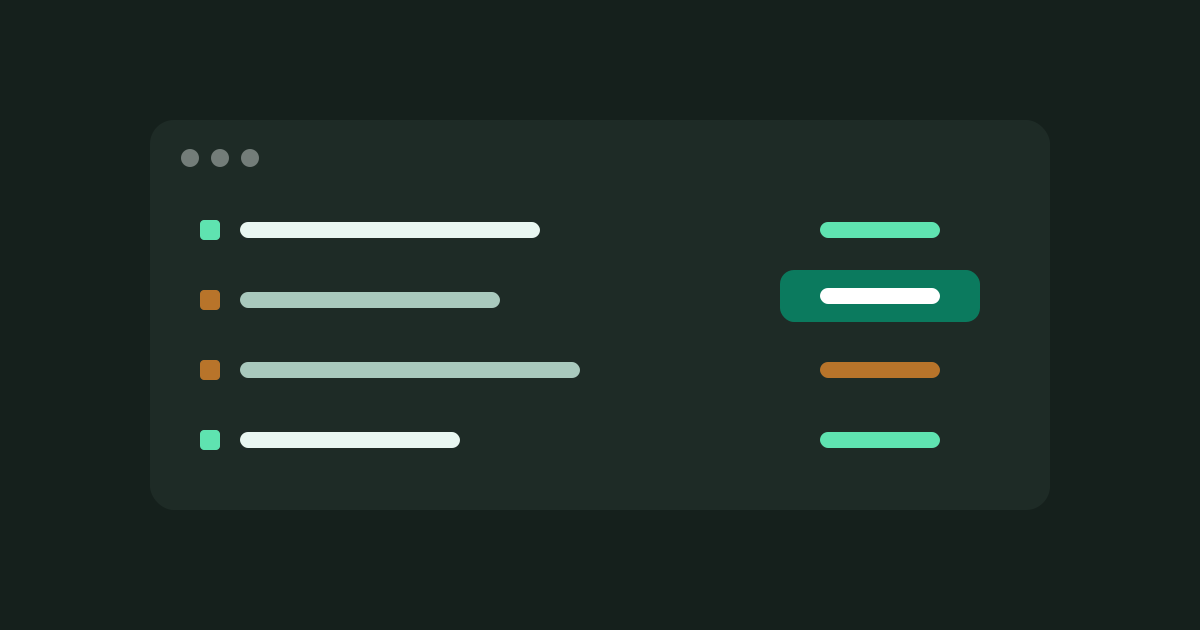
The Processes & Sessions screen does all of the above for you. It lists process trees started by Claude Code, Codex, Cursor, Gemini CLI, Copilot and other agents whose session has since ended, with the agent, project folder, port, age and memory for each.
- Clean quit first. Stop sends SIGTERM, like
kill <pid>. Anything that ignores it can be force quit afterwards, as a separate step. - Only what it can trace. A process is listed only if it can be tied to an agent session that has exited. Servers you started yourself in a terminal aren’t touched, and neither are processes of other users, macOS itself, or a PID that was reused since the scan.
- From the menu bar. When leftovers are running, the menu bar shows how many and how much memory they hold, with a Stop button. It asks before stopping and they’re asked to quit cleanly first.
- Optional Auto-Sweep rule, off by default. Turn on “Leftover dev servers” in Auto-Sweep to stop leftovers automatically once their agent session ended more than an hour ago (you can change the limit).
When the problem is memory rather than one busy port, see Leftover dev servers and agent sessions eating your memory.